This guide helps London office and building teams prepare a small, purposeful image set. It avoids sending dozens of disconnected close-ups that show marks but leave the surveyor unable to understand the room or reach it.
Start with a room view
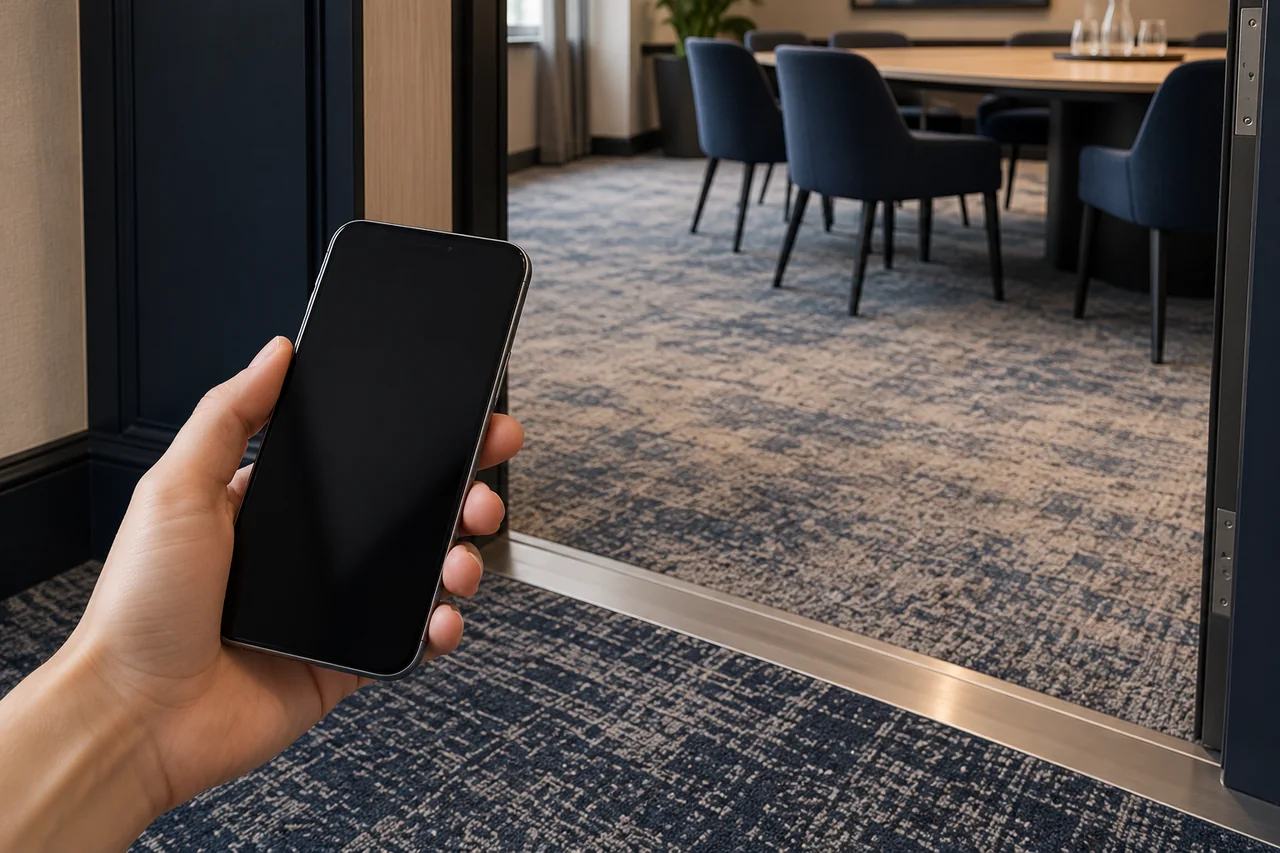
Take a photograph that explains the carpeted area and furniture layout, using the site’s permission and privacy arrangements. Add the floor or room reference in the enquiry. Do not rely on an image filename such as “photo 3” to identify a particular meeting room.
Show fixed furniture and areas that may remain inaccessible. If the room contains different flooring products, explain which carpet is included. A clear photograph helps communicate that boundary without pretending it is a measured plan.
Add the route and the condition detail
Include the relevant doorway, stairs or other access constraint where permitted. Explain any building arrangements separately, since a photograph cannot establish permission to use a loading bay or lift. Do not photograph security controls or confidential building information merely to make a comprehensive pack.
Swipe across the table to see all columns →
| Image | Question it helps answer |
|---|---|
| Wider room | What space and furniture are involved? |
| Carpet detail | What visible condition is being reported? |
| Access feature | What physical constraint should be assessed? |
| Product label | What material information is available? |
| Simple room plan | Where does each image belong? |
Use this as a selection aid, not a requirement to collect every image. If a label or feature cannot be photographed safely and with permission, state the missing information instead.
Describe what the photograph cannot show
Tell the contractor when the image was taken and whether the room will look different during the proposed visit. A previous empty-office photograph can be misleading if the carpet is now covered with crates. Likewise, an old image may not show later damage or treatments.
For a reported spill, provide the known event history. For an unexplained mark, keep the cause unconfirmed. The office spill-report guide offers a useful format for that narrower question.
Keep images honest and private
Avoid identifiable people, personal information, screens and private documents. Use the building’s normal permission process before sharing internal photographs. Do not edit the carpet’s colour or contrast to make a mark more apparent than it is under the reported conditions.
An AI-generated or stock image cannot show the actual condition of your carpet. Use actual photographs for the enquiry. The illustrations used with this article explain planning contexts and are labelled accordingly; they are not Pristine job evidence.
Send the image set with a clear next question
Add the London postcode, proposed carpet scope, available care information and preferred access window. State the question, such as whether a reported condition can be assessed or how a furnished room could be included in a programme.
Read the commercial survey checklist and request a free site survey. Pristine will review the enquiry and confirm the next step, subject to suitability and availability. Photos help prepare that conversation without replacing the site assessment.
Message Pristine on WhatsApp or send an enquiry. Share the London postcode and the details relevant to this problem. WhatsApp 07488 325796; info@london-carpet-cleaner.co.uk.